

Yes pleaseYes I can get the 940NM they are around £47.95 I think.
Done

Let me know how to proceed when you can - thanks


Yes pleaseYes I can get the 940NM they are around £47.95 I think.
Done


Good spot and not the most logical place to put it..
So best setting currently is
Triggered > 15 Seconds
So now we need Pixfra to set triggered as default on the next firmware. Also 15 seconds is a little too long, 5 second or 10 second option would be ideal... combined with a slightly smaller LRF aim marker which is coming very soon via firmware update..
First time out stalking with them this morning. FYI a pair of batteries lasted around 5h, this with the unit on constantly but put into standby between glassings.Key Draco Design Points
- Super compact and lightweight
- Multispectral channels thermal and 4K optical
- Inbuilt 850nm IR Illumination for night vision
- Inbuilt LRF system for accurate ranging...
Excellent price points on these and currently on offer... arriving very soon..
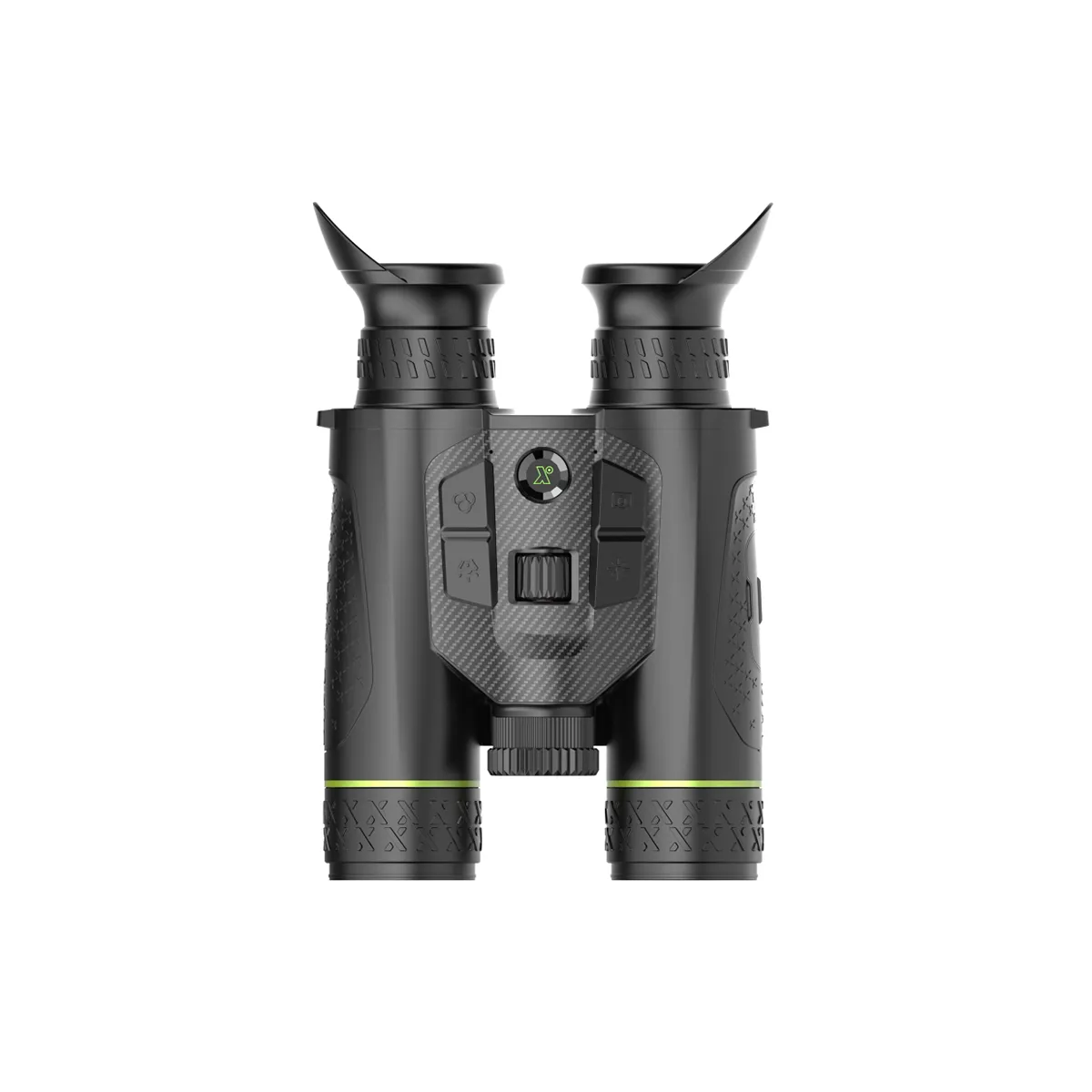
Pixfra Draco D225-4K LRF Multispectral Thermal Binoculars
Multispectral Pixfra Draco D225-4K binoculars with 256x192 sensor, 4K day/night channel, 1000m LRF and rugged IP67 body for field hunters.www.blackwoodoutdoors.co.uk
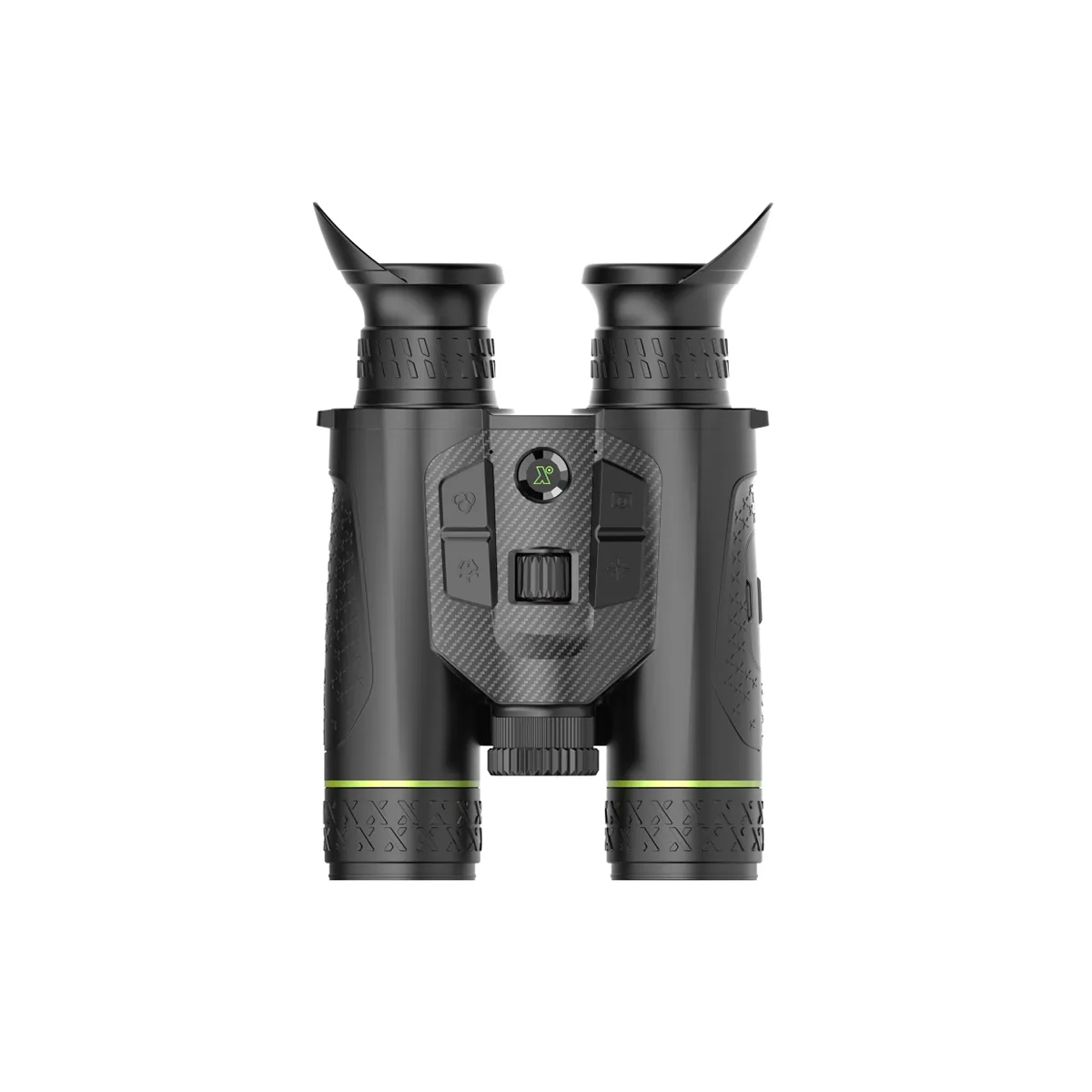
Pixfra Draco D335-4K LRF Multispectral Thermal Binoculars
Pixfra Draco D335-4K binocular with 384x288 15mK sensor, 4K day/night imaging, 1800m detection and 1000m laser rangefinder for demanding hunters.

Pixfra Draco D635-4K LRF Multispectral Thermal Binoculars
Flagship Pixfra Draco D635 4K binocular with 640x512 15mK sensor, 35mm lens, 1800m detection, 4K optics and 1000m laser rangefinder.

It would need hardware, but given they have LRF with ballistics then they should have the hardware as ballistics needs the angle.@Blackwood Outdoors . Any chance of a firmware update that puts the Draco's into standby when you put them in the case or hang them vertically (as the Habrok's do), or does this require some form of hardware to detect the angle???
They don't have a ballistics calculator (not that I have found anyway)It would need hardware, but given they have LRF with ballistics then they should have the hardware as ballistics needs the angle.
DOH! I'm thinking of scopes. Ignore me, I've just woken upThey don't have a ballistics calculator (not that I have found anyway)


When PIP is activated use the scroll wheel to magnify it up and downAnyone fathomed out how to change the zoom setting in PiP mode. The manual is a joke!
ThanksWhen PIP is activated use the scroll wheel to magnify it up and down
I'd also recommend , isolating some of the thermal and optical palettes to reduce cycyling thorough the full range.
I just left thermal Black and White palettes and Optical standard .
I did this on my Habrok to make it a one button switch between white hot and optical.also recommend , isolating some of the thermal and optical palettes to reduce cycyling thorough the full ran

I've had mine in B&W thermal main with colour PiP but I have no idea how I achieved that! Oh, for a proper (comprehensive) instruction manualCan you make the Draco lock in BW optical so you can cycle thermal and only BW optical? I seem to only be able to restrict it to thermal colour optical and BW optical?

I've had mine in B&W thermal main with colour PiP but I have no idea how I achieved that! Oh, for a proper (comprehensive) instruction manual
Not currently, a firmnware update could change this.. currently it cycles day optical, night optical, thermal.Can you make the Draco lock in BW optical so you can cycle thermal and only BW optical? I seem to only be able to restrict it to thermal colour optical and BW optical?
I think the the optical mag can be reduced... I've passed this on..Out this morning in damp conditions where the Habrok HE25's would have really struggled to make any sense of the background in thermal mode. Very impresses with the Draco's.
only slight niggle is that I find the base optical mag a bit high at 5.5.
will try to upload some video to Youtube and post a link
My thought too - especially obvious when you switch between channels. Would be good to have them equal then zoom up optically to identify the thermal image.I think the the optical mag can be reduced... I've passed this on..


